
Hotel Lobby AI generator: prepare two photos for a studio duet
Choose photos for a Hotel Lobby AI duet, set the left and right performers, pick a studio scene and review faces and music in the generated video.
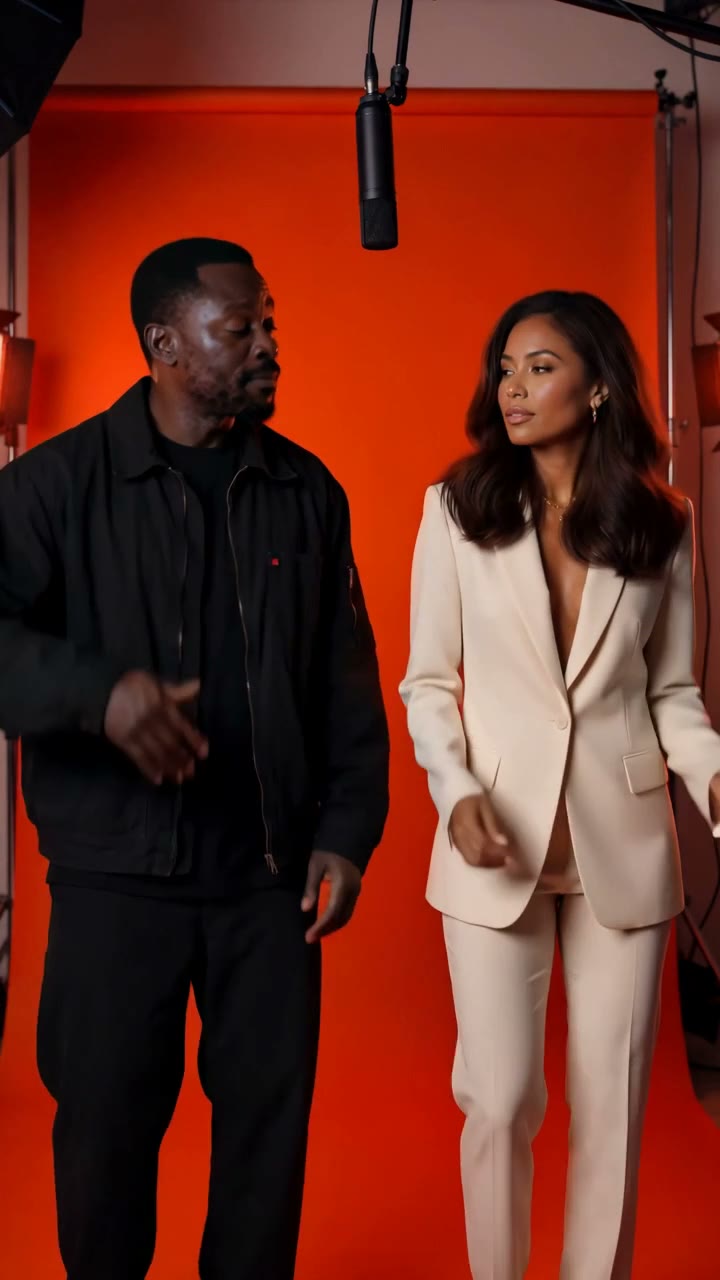
Pick the two photos before choosing the studio color. In a Hotel Lobby duet, both faces share the frame for most of the video. A clear image of one person cannot compensate for a heavily filtered or partly hidden face in the other upload.
The Hotel Lobby AI generator makes a 15-second studio performance from two adult photos. The scene places the performers beside a hanging microphone, with small gestures and an original trap beat. The first photo supplies the left performer; the second supplies the right.
Use a separate photo for each person
Choose one adult per picture and get their permission before uploading. Keep the face visible, preferably looking toward the camera, with natural light and no heavy filter. A hand over the mouth, dark sunglasses or a strong sideways angle gives the model less facial detail to use.
Similar lighting in the two photos is a sensible choice when you have several options. You do not need to photograph both people together, and you do not need a reference video. This workflow uses the photos alongside the template's written scene and music directions.
Before starting, check the upload labels again. If the person you want on the left is in the second slot, switch the photos before generation. The prompt asks each performer to stay on their assigned side, although the finished result still needs review.
Choose the setting for the pair
The orange booth is the recognizable warm studio look, with a seamless backdrop and a microphone between the performers. Midnight session uses a darker blue setting with edge lighting. Cream duet uses a softer neutral backdrop.
Choose the mood you want, then watch that scene's preview. The example shows the intended composition and atmosphere; it is not a guarantee of the same faces, gestures or timing when your photos are used.
For a detailed walk-through of the existing scene choices, see the Hotel Lobby creation guide.
Give the generator a manageable performance
The template already asks for head nods, a small hand gesture, a gentle side step and a final pose. The camera is meant to hold both people in a steady shot. If you add direction, make it one clear adjustment.
For example: "Keep the gestures relaxed and both faces fully visible, with a brief glance toward each other." That fits the scene. Asking for a walk across the room, a close-up of each face and a fast camera orbit introduces a different performance and raises the chance of an inconsistent result.
Open the Hotel Lobby studio, choose your scene, upload the two photos and review the displayed creation cost before generating.
Check the duet with sound on
Compare each face with its source photo. Then watch for crossed positions, hands passing over a face or a microphone obscuring someone. Check more than the first frame: a brief glance or gesture can be where a likeness changes.
The template asks for an original bouncing trap instrumental. It does not include the commercial Hotel Lobby recording or a named artist's voice, and it is not designed to lip-sync a verse. Its musical direction stays consistent, while the generated melody, mix and timing can vary.
If you want a particular platform song after downloading, add an available sound in your publishing app and check its usage rules for your account. Listen to the combined audio before posting so the generated backing track and added music are not competing.
For a wider shot with simple dance steps, compare Gas Station Dance. Hotel Lobby is built around the shared studio frame and small performance gestures.
Keep exploring
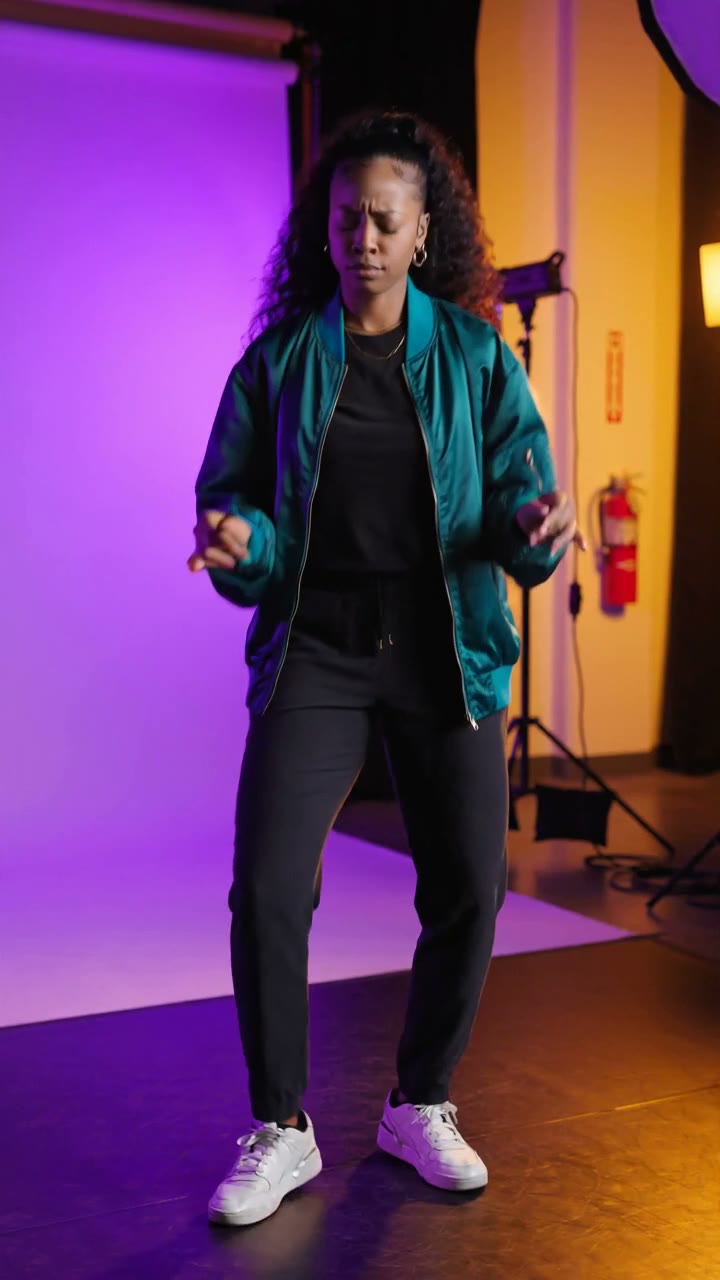
AI dance video generator: make an original dance from a photo
Use one adult photo to create a 15-second original dance. Prepare a full-body image, keep the motion brief and check the feet, face and music before sharing.
Read more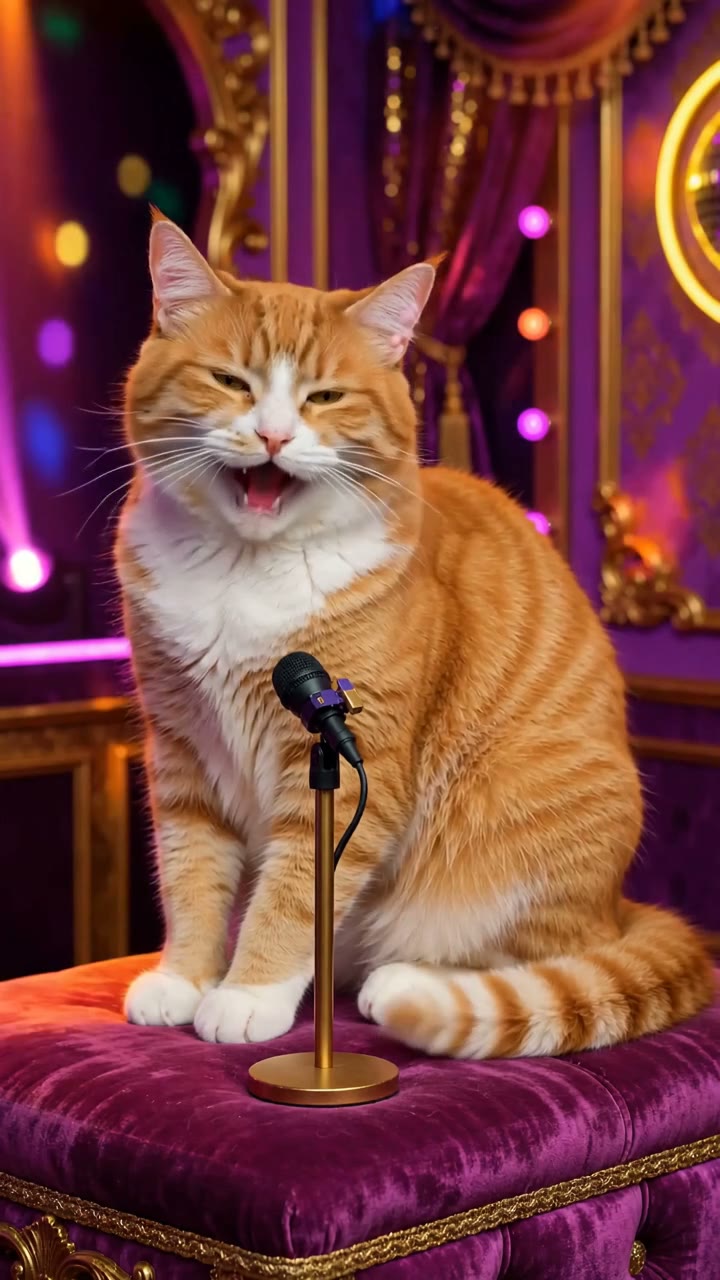
Singing cat AI video generator: choose a photo that works
Make a 15-second singing-cat video from one photo. Learn how to choose the image, guide the performance and review the original music and mouth movements.
Read more