
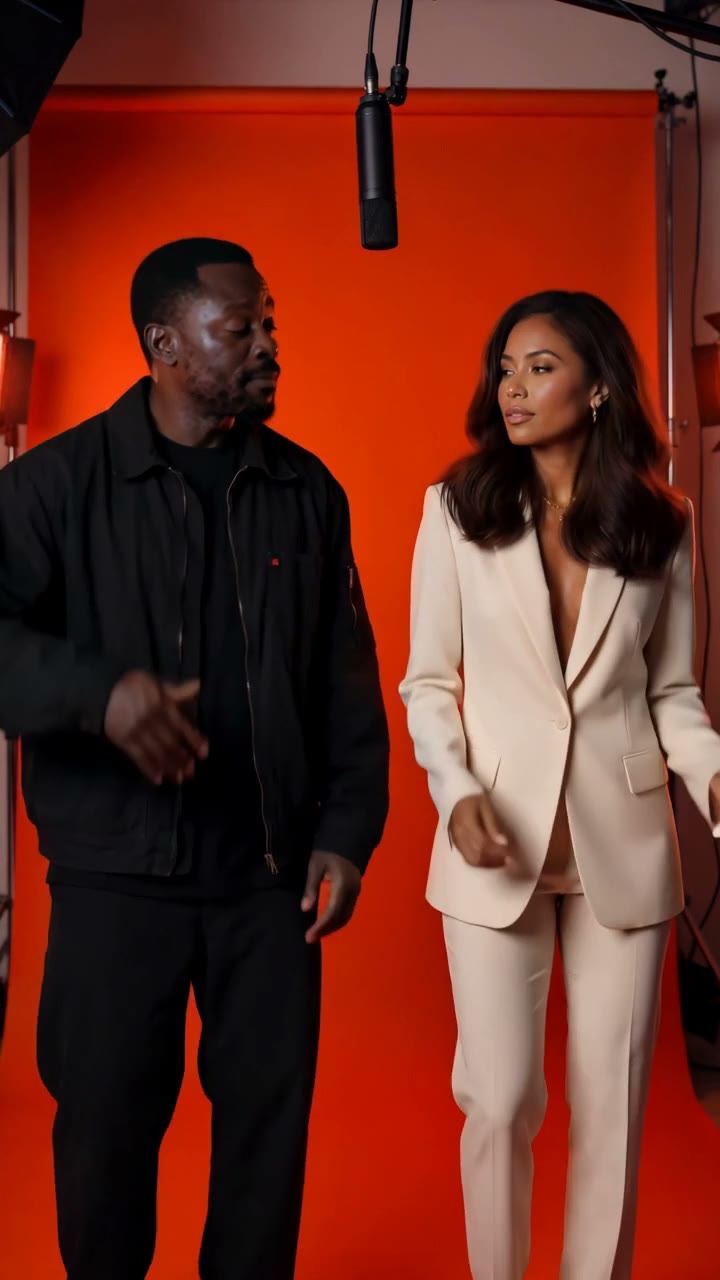
Orange booth
Warm orange from floor to backdrop. Two performers nod and gesture around a single hanging microphone.
Open Studio →Create a 15-second studio duet from two photos, with clear left/right roles and an original bouncing trap beat.
Upload the photos requested by your scene, choose portrait or landscape, and generate a 15-second video with original music. Your photos guide the subjects; the scene and motion instructions guide the performance. No reference video is uploaded.
Examples illustrate the scene and musical direction. Our previews were produced separately; they are not customer-photo results or a promise of identical movement.
Make a studio performance with a friend or partner. Separate photos assign the left and right performers around one microphone.
Warm orange from floor to backdrop. Two performers nod and gesture around a single hanging microphone.
Open Studio →A midnight-blue studio with soft edge light. A slower exchange keeps both faces in the frame.
Open Studio →A soft cream studio. One gestures, the other answers with a nod and a smile around the center microphone.
Open Studio →Prepare two separate adult portraits with similar lighting. Upload the left performer first and the right performer second; avoid a single group photo. Keep faces and shoulders visible. A short request can suggest a glance or relaxed gesture, but exact choreography and lip-sync are not guaranteed.
Use portraits with similar lighting. Review both faces, microphone placement and hand gestures throughout the duet.
An independent AI video template. Not affiliated with any artist or label. Examples show the scene; your result will vary.
Upload two separate portraits: the first person goes on the left, the second on the right.
Preview orange booth, midnight session or cream duet. Add a small expression or style request if you like.
Review the faces, movement and music in the 15-second result before downloading or sharing.
Make a Hotel Lobby AI video with two photos and an orange studio template. Learn the left/right photo order, choose a scene and refine the performance.
Prepare two separate adult portraits with similar lighting. Upload the left performer first and the right performer second; avoid a single group photo. Keep faces and shoulders visible. A short request can suggest a glance or relaxed gesture, but exact choreography and lip-sync are not guaranteed.
It creates a 15-second studio duet from two separate adult photos. The first photo places a performer on the left and the second on the right, around one microphone, with original AI-generated music.
Yes. Upload one clear photo per person. Photo 1 is the reference for the left performer; photo 2 is the reference for the right performer.
Yes. Choose a scene and add a short instruction in the studio, such as relaxed gestures or a brief glance toward the other performer. Keep it consistent with the duet; exact gestures, timing and lip-sync are not guaranteed.
The video includes original AI-generated music shaped by the template. It does not contain the original song or an artist voice. The melody may vary each time.
The example shows the selected scene and motion. Facial likeness, expression and details vary with your photos and each generation; review the result before sharing.
Yes. Choose 9:16 for vertical feeds or 16:9 for a wider scene in the studio. Both produce a 15-second MP4 at standard resolution and use the same number of video creations.
One submitted generation uses one video creation. You need an available video pack; previews can be watched before purchase. A confirmed technical failure restores the creation used. See pricing for the current packs.
Successful videos can be downloaded as MP4 files. X and Reddit can prefill text and a playback-page link. Instagram, TikTok and YouTube may still require uploading the file; opening a share destination does not automatically publish it.
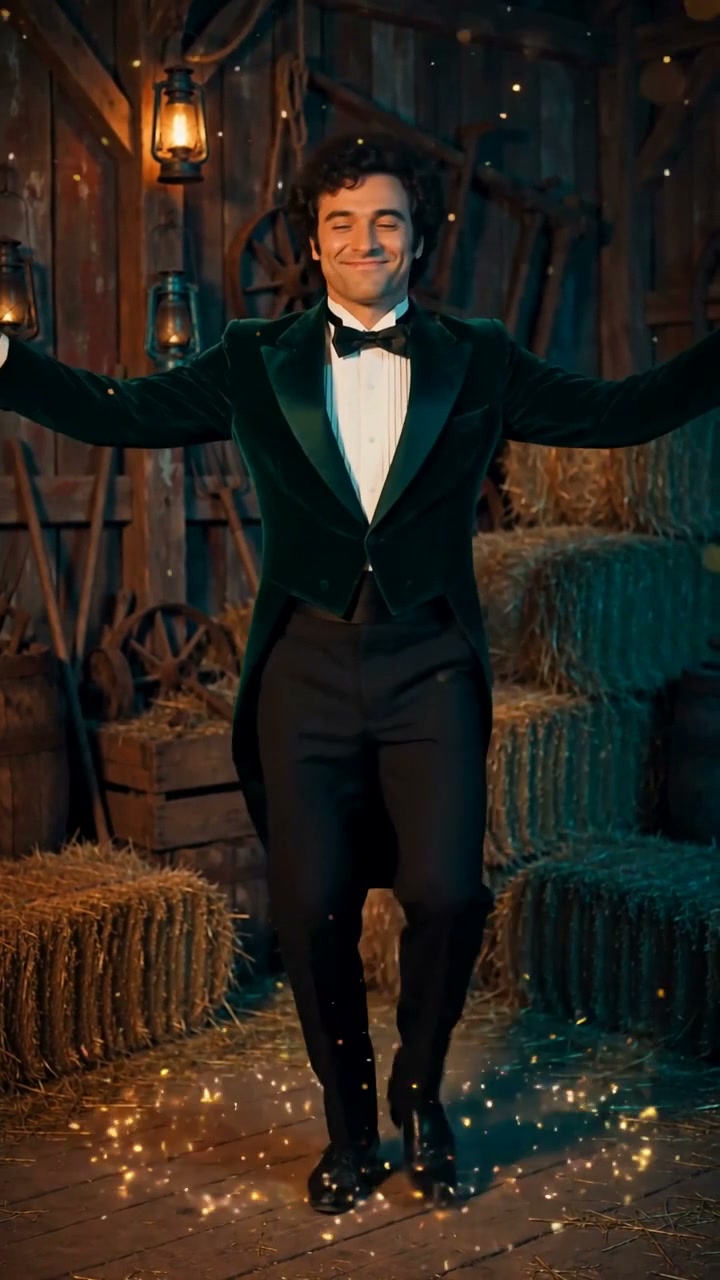
Turn one adult photo into a 15-second Rumpelstiltskin tiptoe dance in a golden hay barn, with original music and portrait or landscape framing.
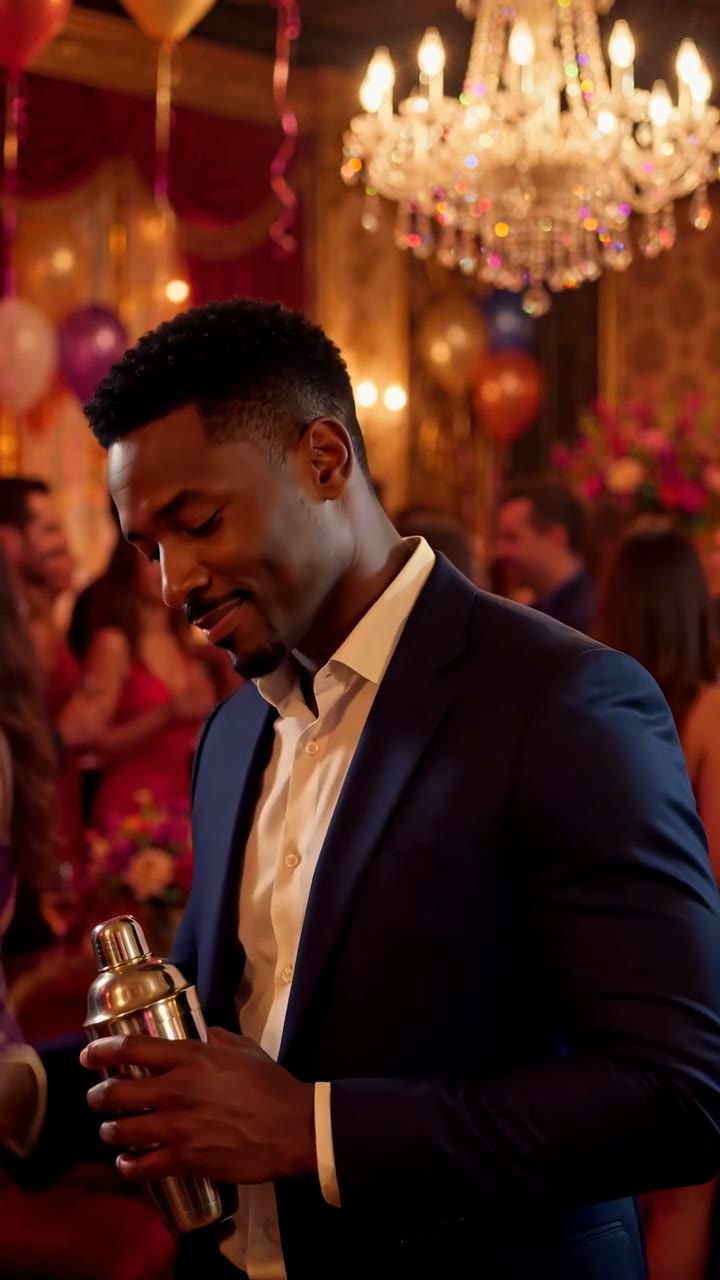
A chandelier-lit party, a silver shaker and a hand-to-brow glance. Bring one photo or a friend.
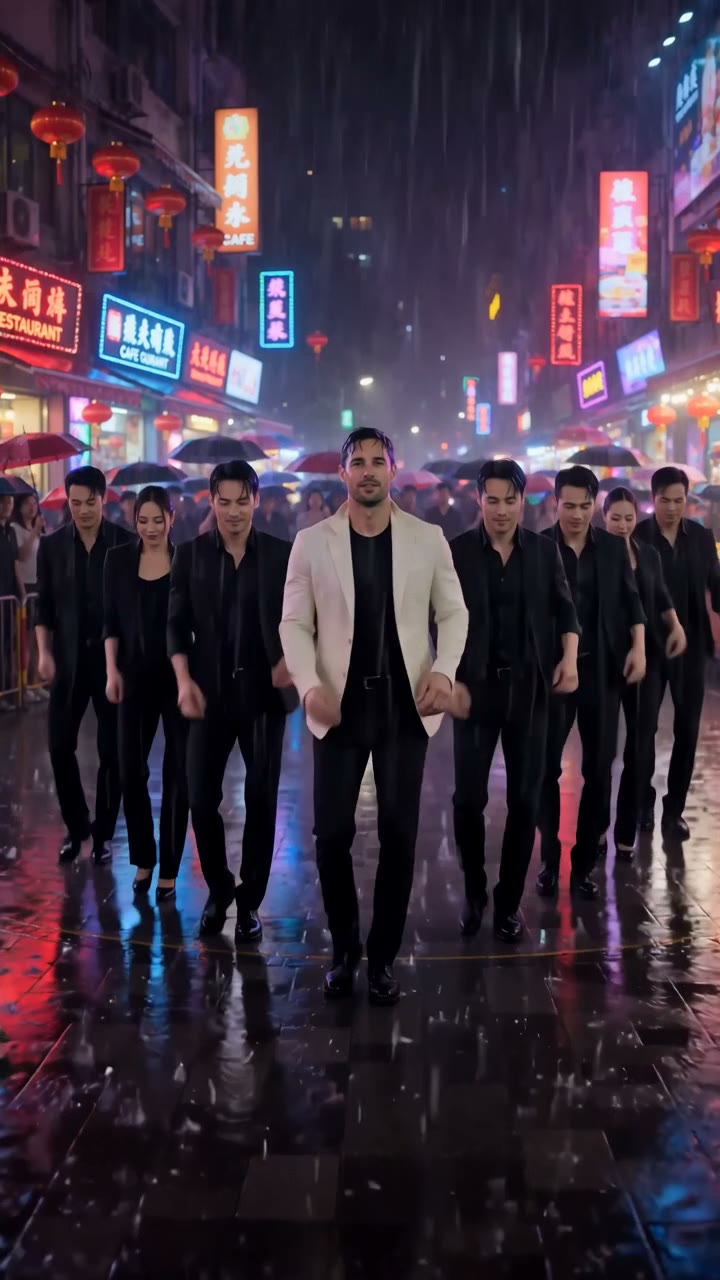
Your photo becomes the still center of a moving crowd in black suits.
The generator creates original music with a consistent style for each template. Melodies, movement and timing can vary. It does not supply a commercial song or clone an artist’s voice. Review the full clip before sharing, and use the destination platform’s AI-content label when required.
Use the references below to check the facts and rules mentioned on this page.
Check the photo slots, accepted file formats, output options and audio note for the selected scene.
Explains the labeling requirements for realistic AI-generated images, audio and video.
Explains disclosure for realistic content created or meaningfully altered with AI.
References provide context, not endorsement of this service. Platform rules may change; check the current policy for your account and intended use. Report a correction
An independent AI video template. Not affiliated with any artist or label. Examples show the scene; your result will vary.